
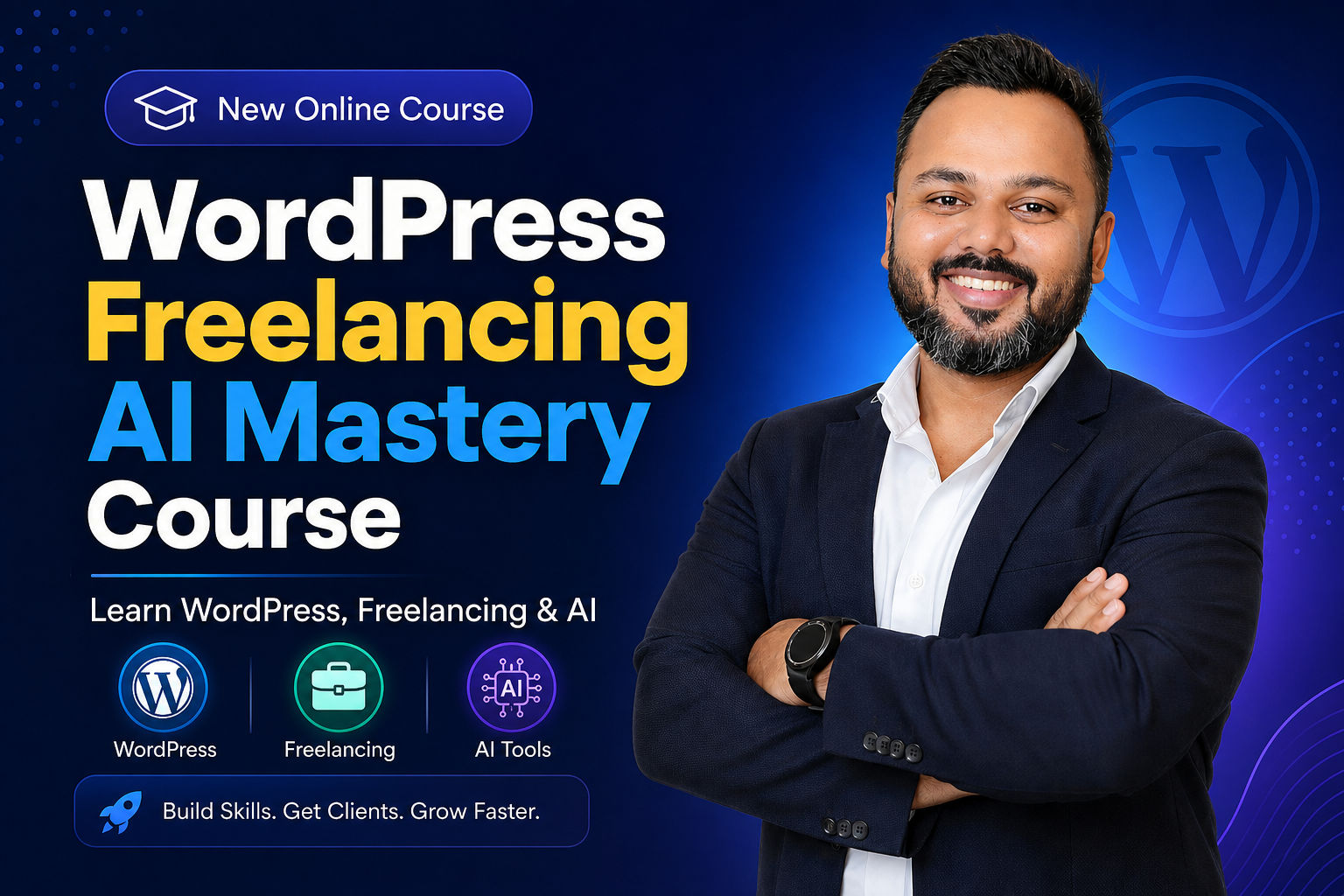
WordPress Freelancing & AI Mastery Course
The most comprehensive course — from building websites & eCommerce stores to AI-powered image generation, plugin development, web apps, and winning freelancing clients on Upwork.
Last updated Jul/2026 · Hindi
What you'll learn
Already have an account? Sign in
This course includes:
- 45 hours on-demand content
- 150 lectures
- Hindi
- 2 years access
Description
WordPress Freelancing & AI Mastery Course is a comprehensive program designed to help you master WordPress website development, eCommerce, AI tools and freelancing. With 150+ practical lectures across 25 modules, you’ll learn how to build professional websites, attract clients and start earning through your digital skills.
Course Curriculum
Requirements
- Internet Connection
- Desktop/Laptop
Instructor

Saddam Kassim
Web Developer & Instructor
My name is Saddam Kassim and I am from India.
I am a full-time web developer on the WordPress platform for developing websites and blogs.
Graduated as a computer science student in 2013 and was campus placed as a Technical Support Executive in an IT company.
Student Reviews
“Saddam sir explains every concept so clearly. As a complete beginner I was able to build my first WordPress site within a week. Best investment I have made!”

Priya Sharma
Mumbai
“Started freelancing after finishing this course and already landed my first client. The step-by-step teaching style makes everything easy to follow.”

Rahul Verma
Delhi
“I tried many YouTube tutorials but nothing worked for me. This course changed everything. Very well structured and the support is excellent.”

Anita Joshi
Bengaluru
“Worth every rupee. The instructor covers each topic in depth without making it boring. I am now confidently building websites for local businesses.”

Amit Kumar
Pune
“Fantastic course for beginners! Saddam sir's way of explaining complex topics in simple language is remarkable. Completed it in just 10 days.”

Sneha Patil
Hyderabad
“I was completely new to web development. After this course I built 3 websites for clients already. The practical approach is what makes this special.”

Vijay Reddy
Chennai
“Highly detailed and very practical. The instructor takes his time to explain each concept and the assignments helped me learn faster. Loved it!”

Deepa Nair
Kochi
“This course is a gem. Got a job as a WordPress developer within two months of completing it. The content is up to date and very relevant.”

Arjun Mehta
Ahmedabad
“Super easy to understand even without any technical background. Saddam sir is very patient in his explanations. Now I run my own freelance business.”

Kavya Rao
Kolkata
“Excellent quality content. I have taken many online courses but this is the most organised and practical one. Completed and already earning from it.”

Rohan Singh
Jaipur
“Saddam sir explains every concept so clearly. As a complete beginner I was able to build my first WordPress site within a week. Best investment I have made!”
Priya Sharma
Mumbai
“Started freelancing after finishing this course and already landed my first client. The step-by-step teaching style makes everything easy to follow.”
Rahul Verma
Delhi
“I tried many YouTube tutorials but nothing worked for me. This course changed everything. Very well structured and the support is excellent.”
Anita Joshi
Bengaluru
“Worth every rupee. The instructor covers each topic in depth without making it boring. I am now confidently building websites for local businesses.”
Amit Kumar
Pune
“Fantastic course for beginners! Saddam sir's way of explaining complex topics in simple language is remarkable. Completed it in just 10 days.”
Sneha Patil
Hyderabad
“I was completely new to web development. After this course I built 3 websites for clients already. The practical approach is what makes this special.”
Vijay Reddy
Chennai
“Highly detailed and very practical. The instructor takes his time to explain each concept and the assignments helped me learn faster. Loved it!”
Deepa Nair
Kochi
“This course is a gem. Got a job as a WordPress developer within two months of completing it. The content is up to date and very relevant.”
Arjun Mehta
Ahmedabad
“Super easy to understand even without any technical background. Saddam sir is very patient in his explanations. Now I run my own freelance business.”
Kavya Rao
Kolkata
“Excellent quality content. I have taken many online courses but this is the most organised and practical one. Completed and already earning from it.”
Rohan Singh
Jaipur

Already have an account? Sign in
This course includes:
- 45 hours on-demand content
- 150 lectures
- Hindi
- 2 years access